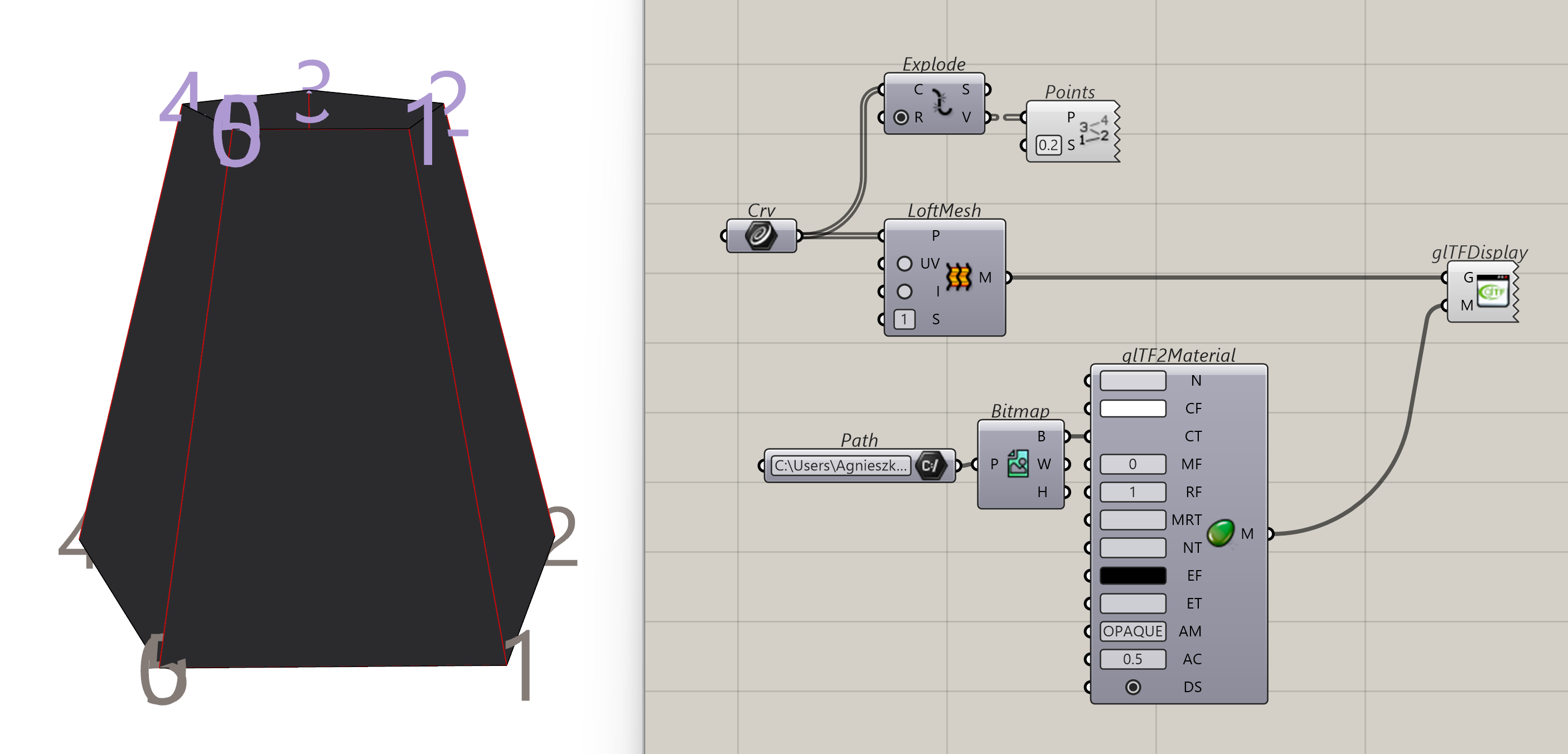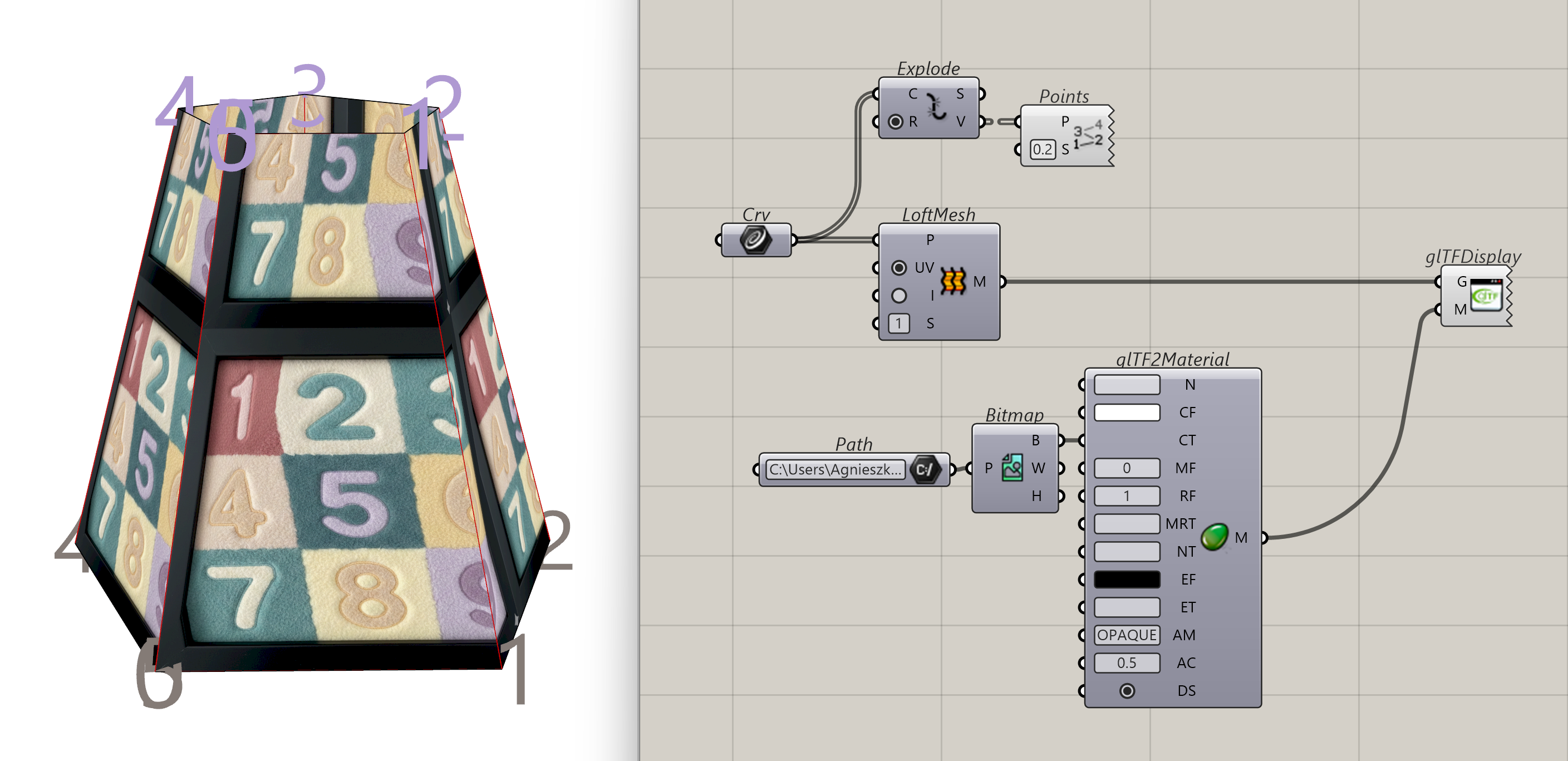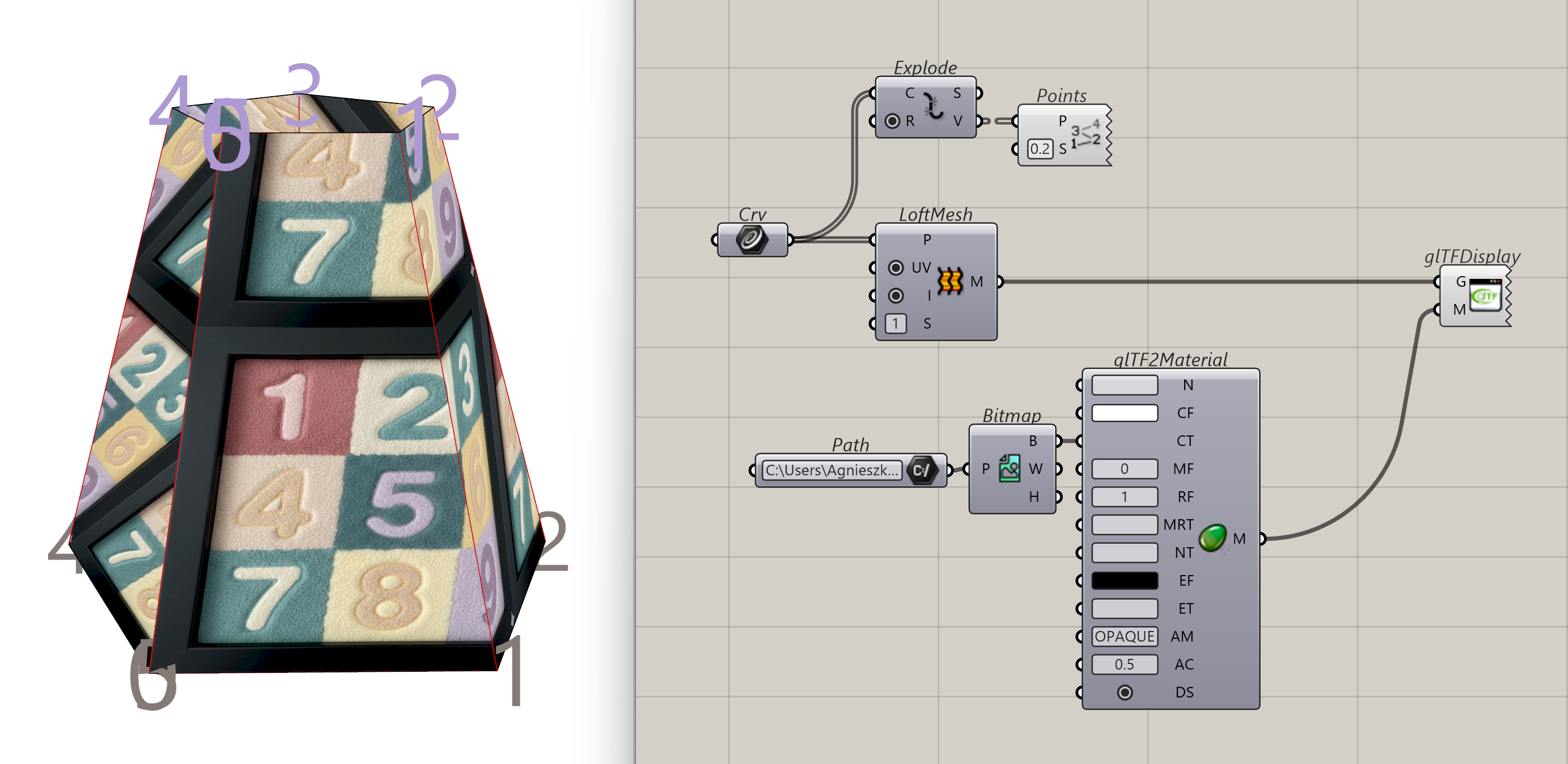
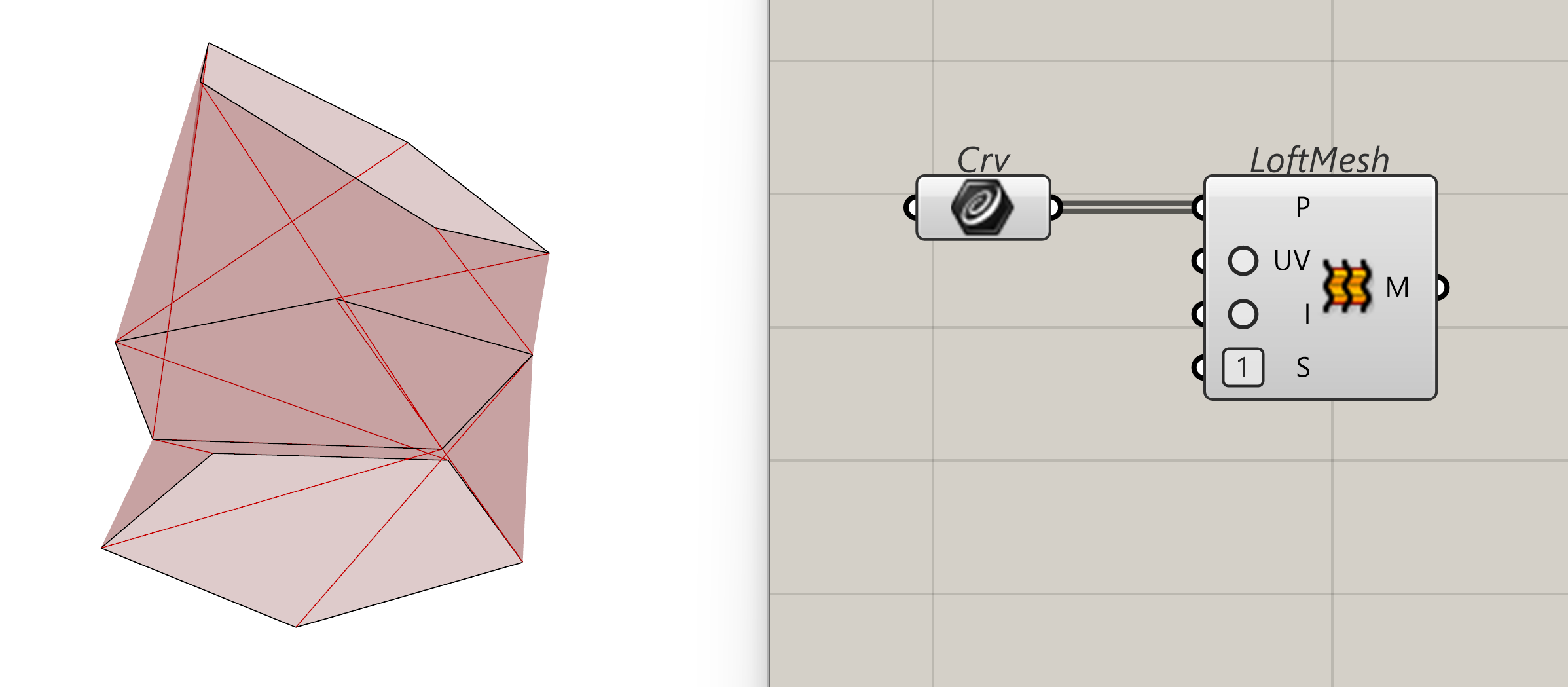
The Loft Mesh component is a tool for creating a mesh surface by "lofting" along a series of polylines. Unlike the standard Rhino loft, which typically produces NURBS surfaces, this component generates a mesh, making it ideal for performance-heavy ShapeDiver applications.
Inputs
-
Polylines (P) [List]: Supply a list of polylines that define the cross-sections of your desired mesh. Each point on the input polylines will directly become a mesh vertex. The component connects these vertices between the polyline "ribs" to form the mesh faces. Therefore, all polylines should have the same number of vertices to ensure a clean, predictable mesh topology.
-
Compute UV (UV) [Boolean]: Determines whether texture coordinates (UVs) are calculated and embedded into the resulting mesh.
-
True: Enables texturing and mapping.
-
False (Default): The mesh will be created without UV data.
-
-
Isometric UV (I) [Boolean]: Controls the "stretching" behaviour of the texture coordinates.
-
True: Maps UVs based on the actual physical lengths (cross and transversal) of the mesh. This helps maintain a constant texture scale even if the mesh segments vary in size.
-
False (Default): Maps UVs to a normalized [0, 1],[0, 1] domain, regardless of the physical dimensions.
-
-
UV Size (S) [Number]: Sets the size of the UV space, allowing you to control how many times a texture tiles across the lofted surface.
Outputs
-
Mesh (M) [Mesh]: The resulting lofted mesh geometry.
Best Practices
-
Alignment: Ensure the start points of your polylines are aligned. If one polyline is "seamed" at the top and the next is seamed at the side, the mesh will twist.
-
Point Count: You can use the Rebuild Curve or Divide Curve → Polyline components on your input curves before converting them to polylines to ensure consistent vertex counts.
-
Performance: Because meshes are computationally "cheaper" than NURBS, use this component instead of the standard Loft + Mesh conversion when building models for web configurators to reduce load times.
Examples
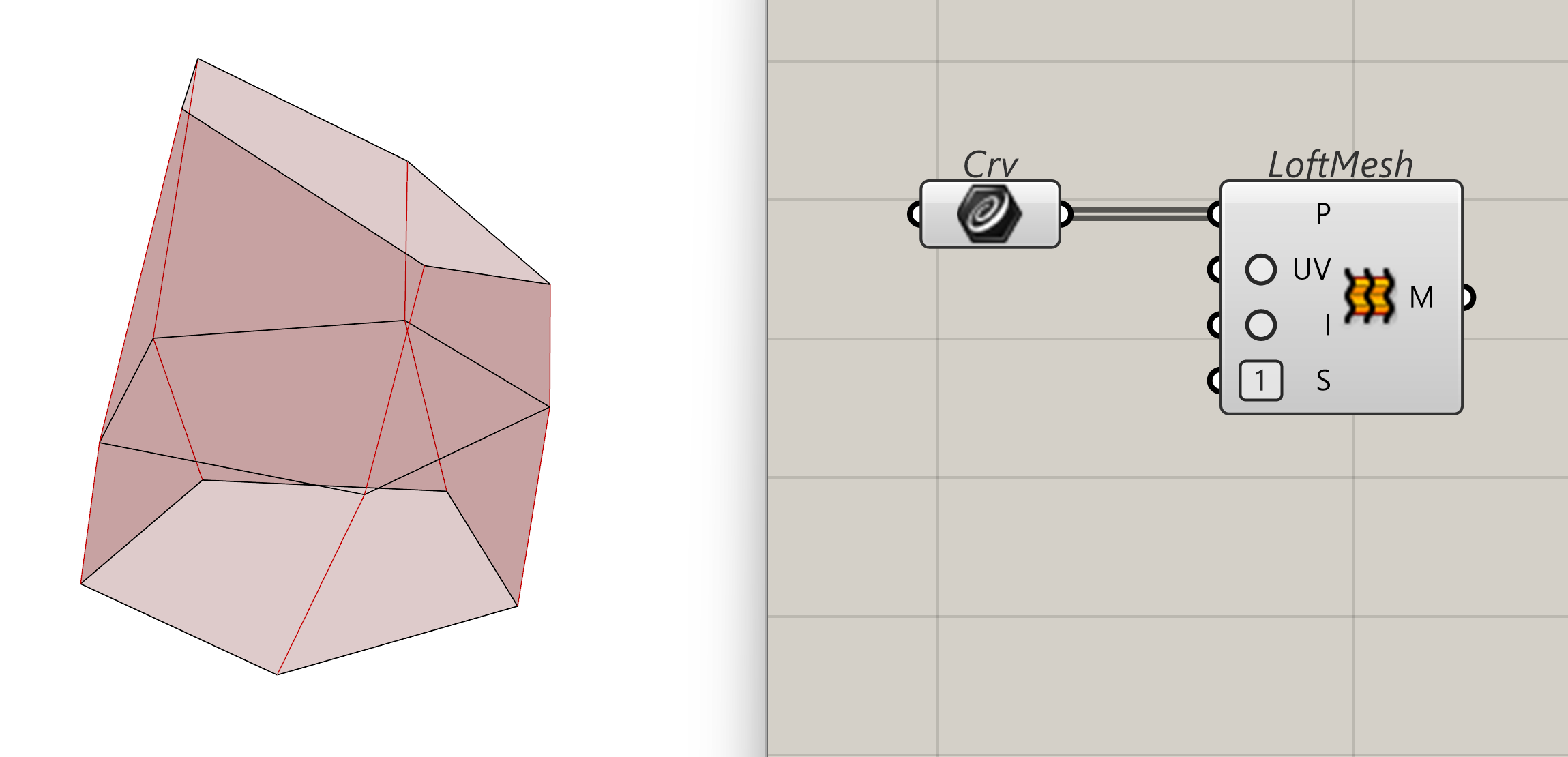
Comparison between different Loft Mesh options