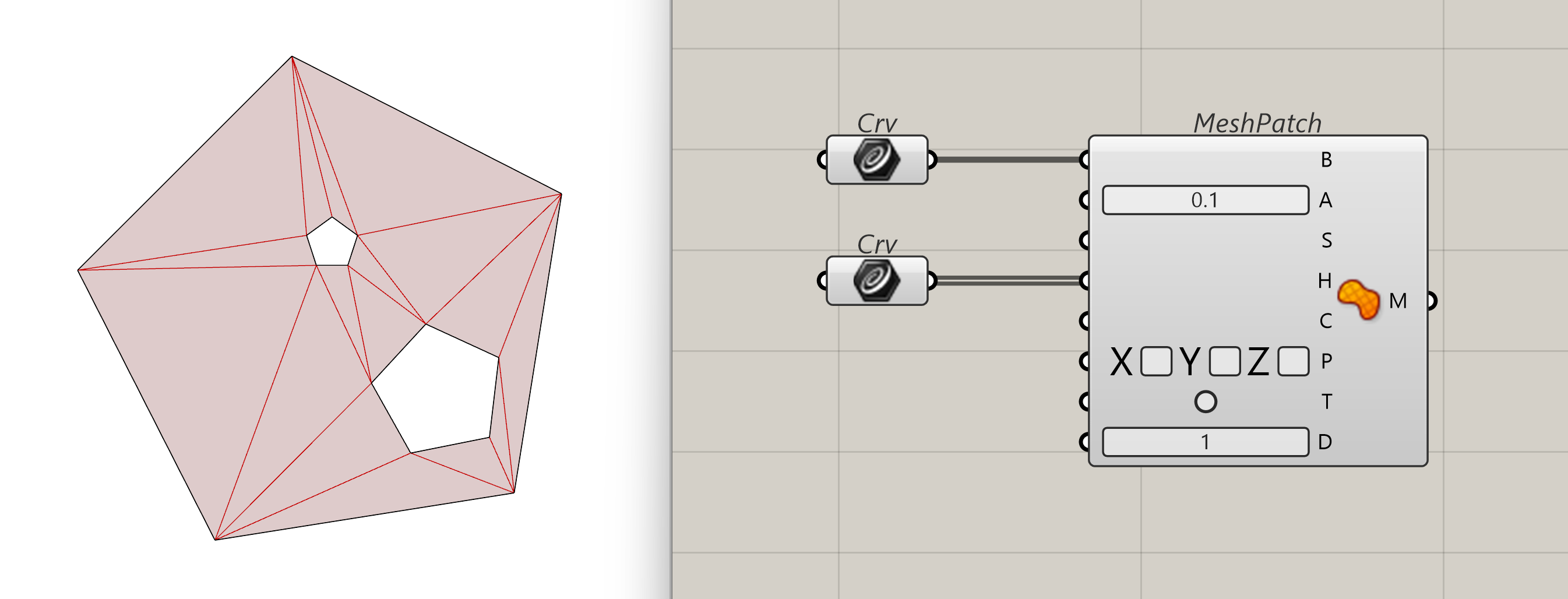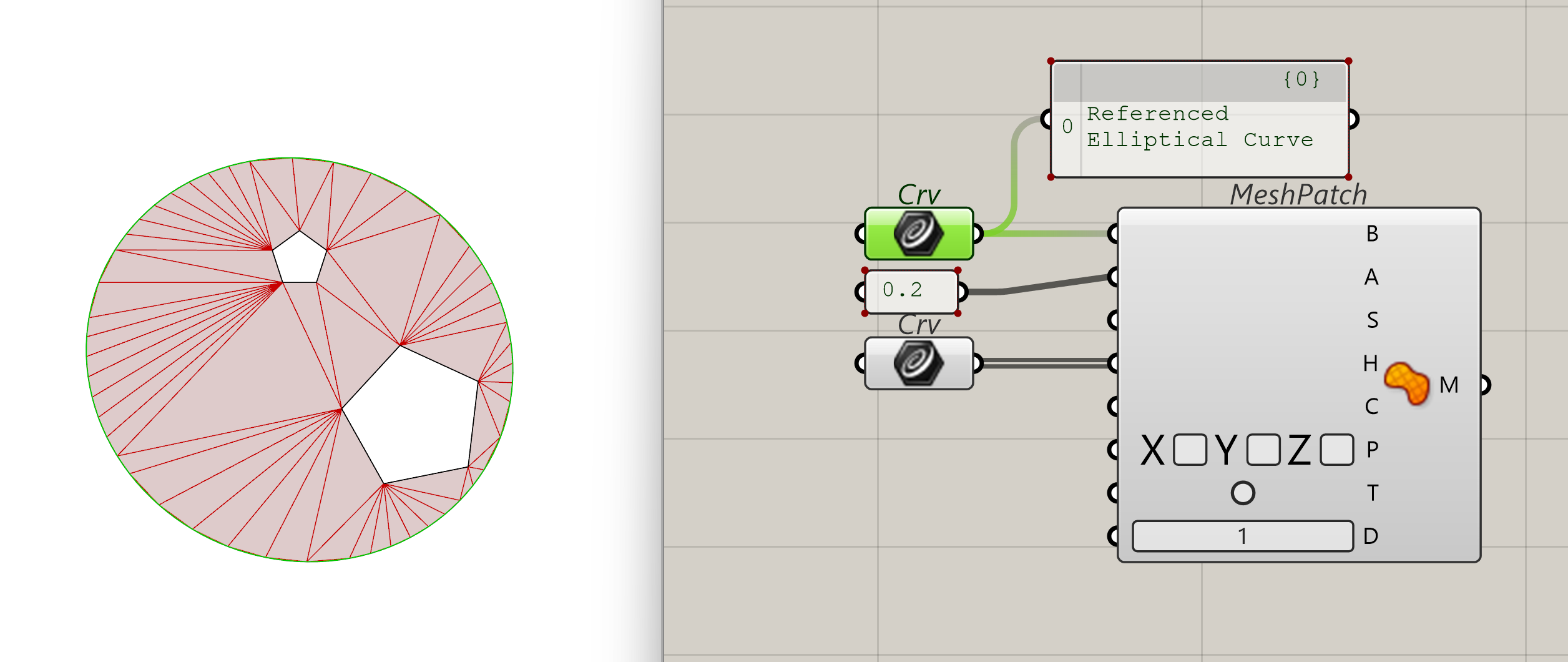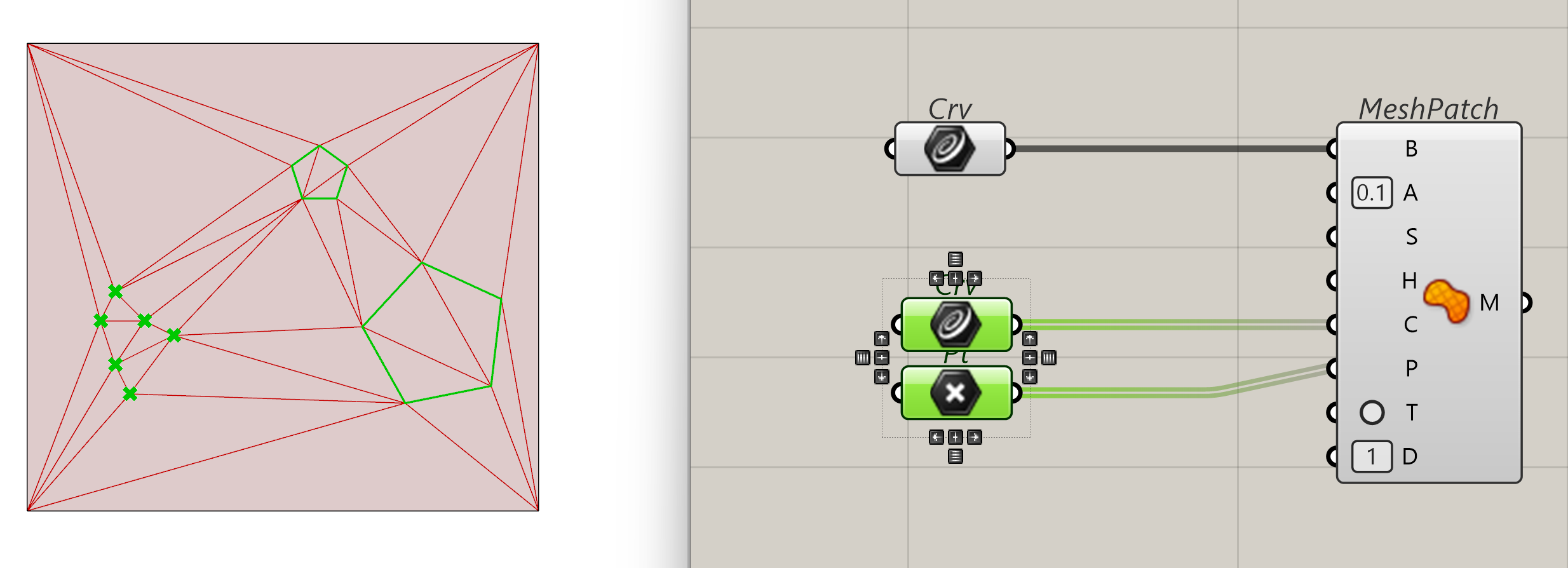
The Mesh Patch component is a tool for generating a triangulated mesh from a variety of input data, including points, curves, and boundary constraints.
Inputs
-
Outer Boundary (B) [Curve]: If provided, this curve defines the external limit of the resulting mesh. Any input points or curves completely outside this boundary are ignored. Note that intersecting this boundary with other inputs can lead to unpredictable results.
-
Angle Tolerance (A) [Number]: Sets the maximum angle (in radians) between unit tangents and adjacent vertices. This is used to divide curve inputs that cannot otherwise be represented as a polyline.
-
Pullback Surface (S) [Surface]: An optional initial surface where 3D inputs are pulled to create a 2D representation for the mesh generation function. This is helpful if the surface shape is similar to the input pattern, but offers no benefit if inputs are already co-planar.
-
Hole Boundaries (H) [List of Curves]: Optional curves used to create holes in the output mesh. If these are the only inputs, the result may be null if Trimback is false because the resulting mesh could be invalid.
-
Inner Curves (C) [List of Curves]: Optional curves used to create faces on both sides of the edge. Since triangulation cannot be guaranteed between two particular points, adding these helps guide the triangulation process.
-
Points (P) [List of Points]: Optional points used to generate the mesh. If an Outer Boundary is defined, points outside that boundary (after being pulled to a surface or plane) will be ignored.
-
Trimback (T) ([Boolean]: Only used when an Outer Boundary has not been provided. If true, any face of the resulting triangulated mesh that contains a vertex of the perimeter boundary will be removed.
-
Divisions (D) [Integer]: Only used when an Outer Boundary is not provided. This value defines the number of divisions each side of the surface's perimeter will be divided into to create a working outer boundary.
Outputs
-
Mesh (M) [Mesh]: Returns the generated triangulated mesh on success, or Null if the generation fails.
Best Practices
-
Boundary Precision: For the most reliable results, ensure that your Hole Boundaries and Inner Curves are fully contained within the Outer Boundary.
-
Performance: Because meshes are computationally "cheaper" than NURBS, use this component instead of the standard Patch + Mesh conversion when building models for web configurators to reduce load times.
Examples