The ShapeDiver Viewer (v3) is a high-performance, WebGL-based engine designed to bridge parametric Grasshopper models with modern web applications. It provides a developer-centric API that abstracts the complexities of 3D rendering and backend communication, enabling real-time model customization, high-fidelity visualization, and seamless interaction with your geometry out of the box.
Looking for a no-code solution? If you prefer to build interactive configurators without writing custom code, we recommend starting with the ShapeDiver App Builder. This documentation is specifically dedicated to the Viewer API, which offers maximum flexibility for developers who require bespoke UI/UX, deep third-party integrations, or full control over the 3D environment.
🚀 Quick Start
Get your model running in seconds.
1. Installation
npm install @shapediver/viewer
For CDN usage or advanced configurations, see the Installation Guide.
2. Basic Setup
This minimal setup creates a viewport to render the scene and connects to your ShapeDiver model via a session.
import { createViewport, createSession } from "@shapediver/viewer";

const initShapeDiver = async () => {
  // create a viewport
  const viewport = await createViewport({
    canvas: document.getElementById("canvas") as HTMLCanvasElement,
    id: "myViewport"
  });

  // create a session
  const session = await createSession({
    ticket: "YOUR_MODEL_TICKET",
    modelViewUrl: "YOUR_MODEL_VIEW_URL",
    id: "mySession"
  });
};

initShapeDiver();
💡 Common Tasks
Quick snippets for the most frequent integration needs.
Update a Parameter
ShapeDiver models use Parameters as input channels. You can update these programmatically to trigger a re-computation of the model and update the 3D scene.
Option A: The Shorthand
// Update one or multiple parameters at once
await session.customize({
  "PARAMETER_NAME_1": 1500,
  "PARAMETER_NAME_2": 2
});
Option B: The Object Method
// get a parameter from the session by name
const parameter = session.getParameterByName("PARAMETER_NAME_1")[0];

// change it's value
parameter.value = 1500;
await session.customize();
Request a File Export
Exports allow users to generate and download computation results, such as geometry (3DM, DXF, DWG, STL, etc), images, data reports and much more.
// get an export from the session by name
const exportApi = session.getExportByName("EXPORT_NAME")[0];

// request the results of that export
const exportResult = await exportApi.request();
const fileUrl = exportResult.content?.[0].href;
window.open(fileUrl);
Read a Data Output
Outputs allow users to retrieve data that has been created in the last computation. This can include any kind of information like pricing, analysis, etc.
// get an output from the session by name
const outputApi = session.getOutputByName("OUTPUT_NAME")[0];

// read out the data
console.log(outputApi.content![0].data)
🏗️ Documentation Hub
Explore specific features and deep-dive into the API logic.
-
Core Concepts: Master the lifecycle of Sessions, Viewports, and the Scene Tree.
-
Scene Appearance: Customize Materials, Lighting, and Post-processing effects.
-
User Interaction: Learn about Selection, Dragging, and Gumball transforms.
-
Advanced Integration: Direct Three.js access, AR, and custom glTF loading.
📚 External Resources & Support
-
API Reference: Full technical definitions (Classes, Methods, Types).
-
Live Examples: Functional CodeSandboxes and GitHub repositories.
-
Community Forum: Troubleshooting and architectural advice from the team.
-
Release Notes: Stay updated with the latest features and fixes.
🌟 Inspiration & Showcase
To inspire what you can do with the Viewer API, here are some examples that show the combination of a few of the features. These are just simple examples to peak your interest, if you would like to see what our clients built, you can have a look here.
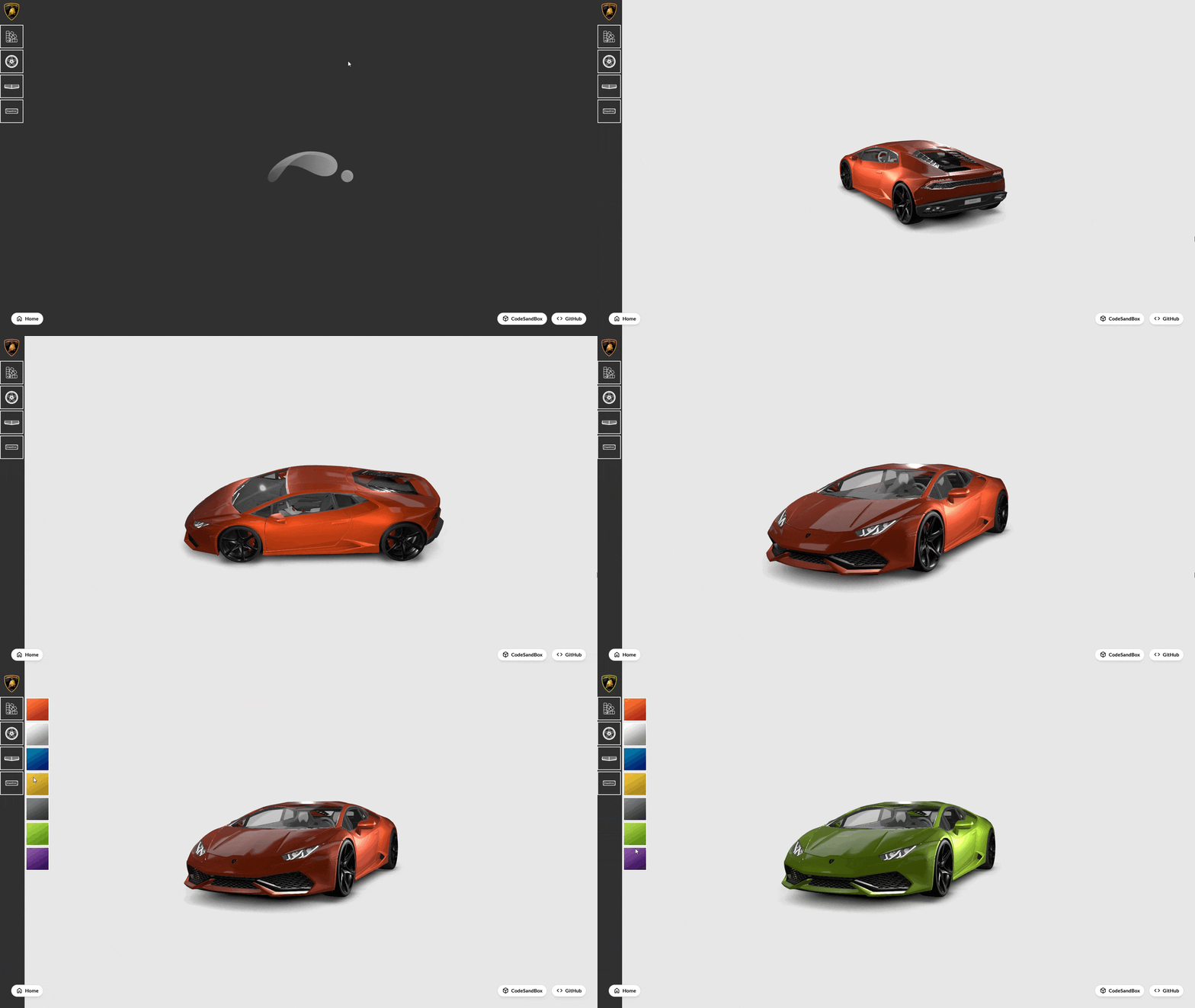
Lamborghini Configurator
In the Lamborghini Configurator example we focused on bringing the model to life and improving the connections between the UI and the viewer. Although the UI was written in a simplistic way, it already allows to image what is possible in a full software development project.
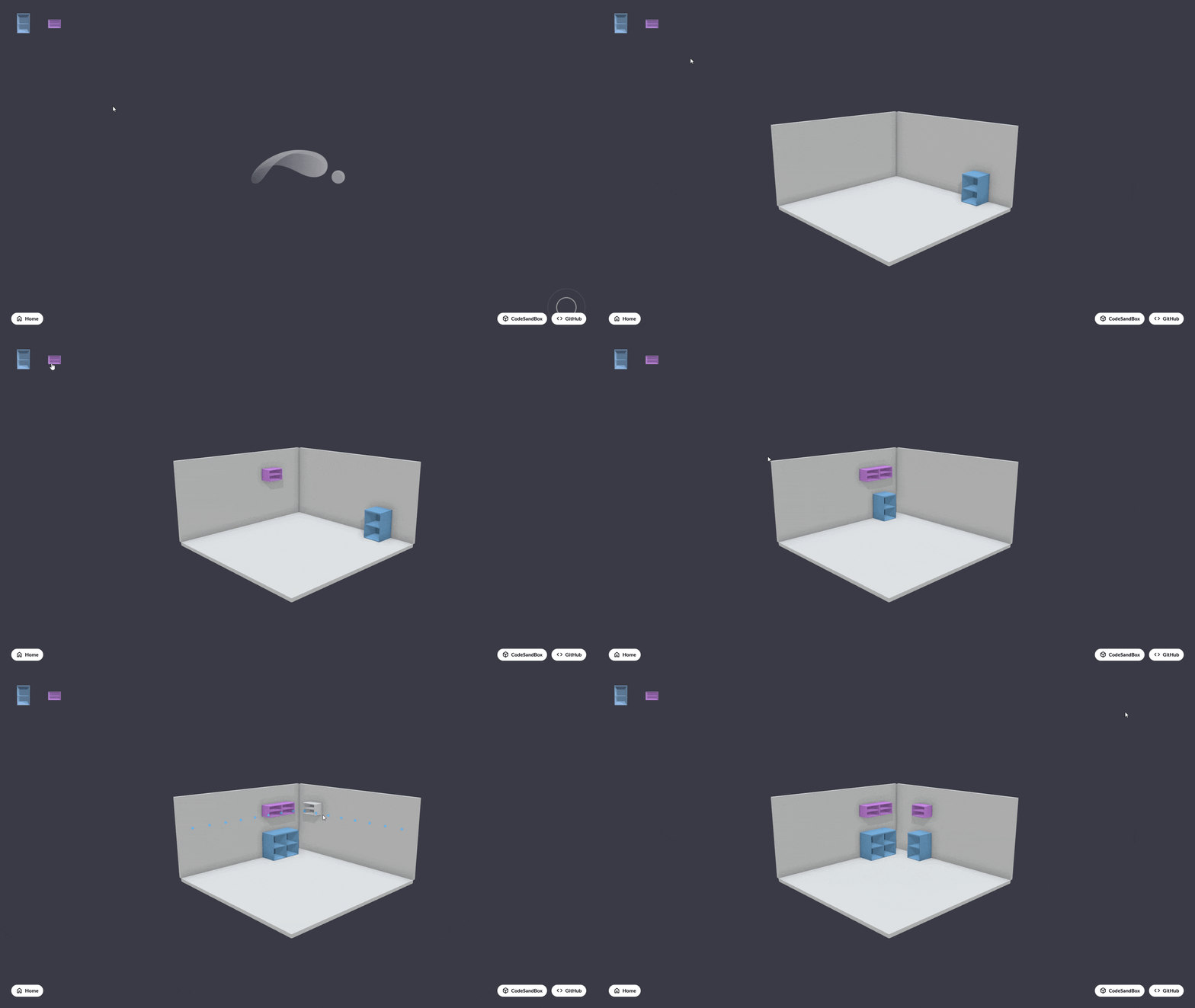
Kitchen Configurator
In the Kitchen Configurator example we mainly focus on interactions with the scene. Here you can place objects into the scene to fixed positions in the viewer. If you are interested in adding these kind of interactions to your project, please start with our Interaction help pages here.
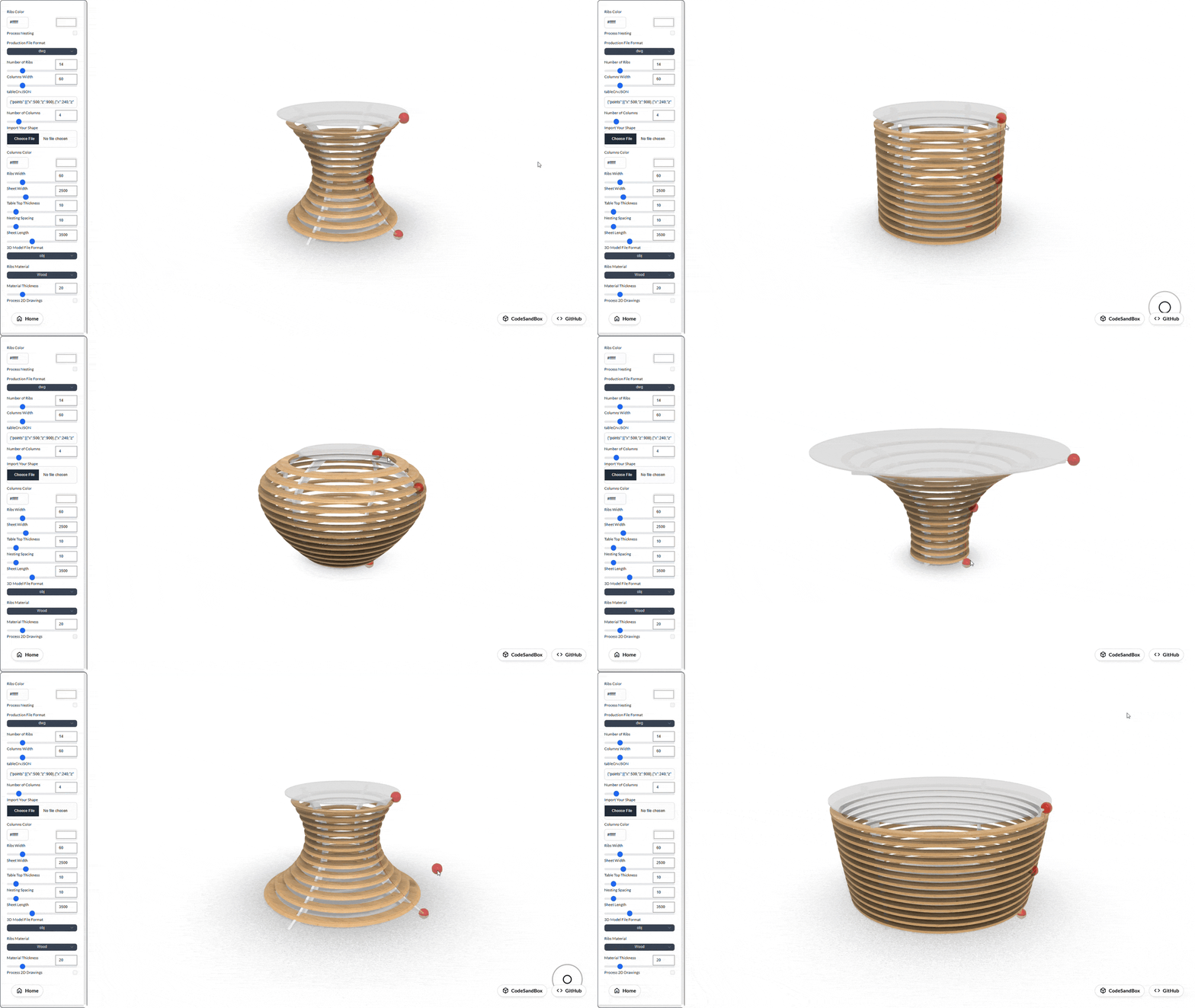
Ribs Table Interaction
In this interaction example we showcase how input that is provided by moving objects in the scene can change the geometry that is returned from the servers.
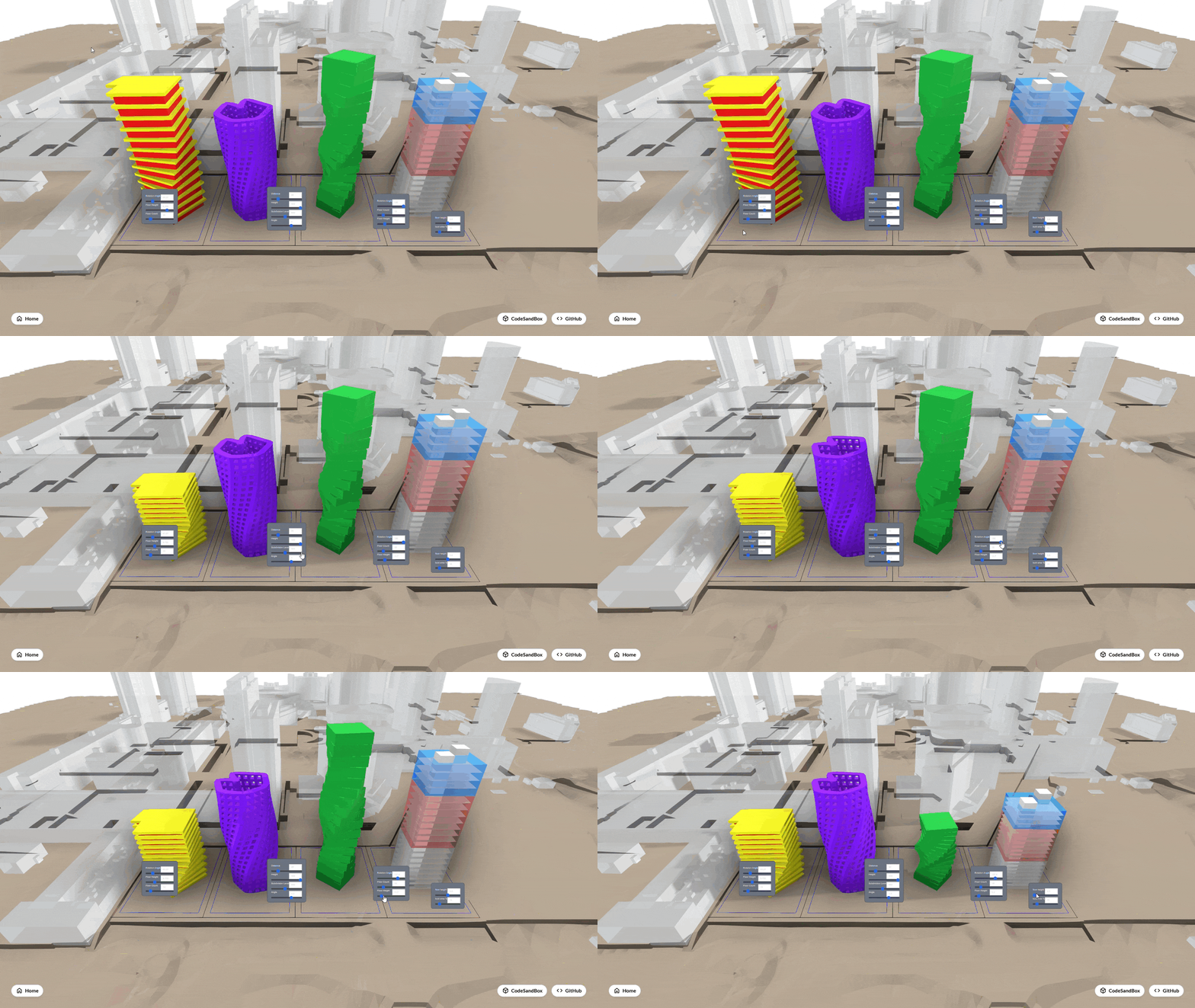
Multiple Sessions
In this showcase we demonstrate how multiple sessions can be used at once.
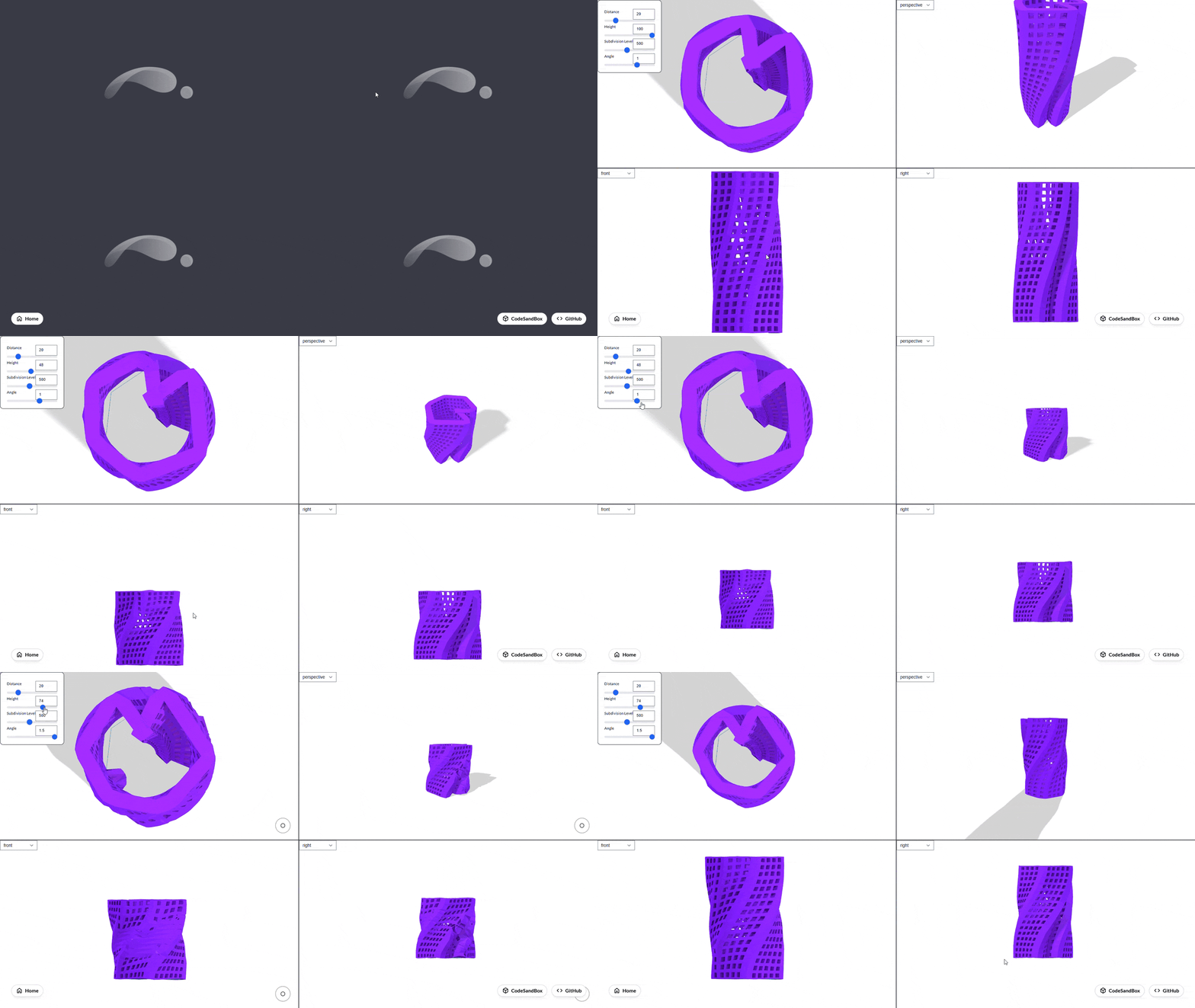
Multiple Viewports
In this showcase we demonstrate how multiple viewports can be used at once.