
Using the top-level menu of the ShapeDiver plugin for Grasshopper, you can upload new versions of existing models in your account: when using the “Upload” option, the plugin will detect if a previous version of the open definition was already uploaded, and you will get the choice to create a new, separate model, or to update an existing one.
Read more about updating new model versions from Grasshopper here.
If you choose to update an existing model, the new version replaces the previous one in the library; in other words, only the latest version of any model is shown in the “My models” page.
Models that have previous versions on the platform include a specific action on the card called “Version history”:
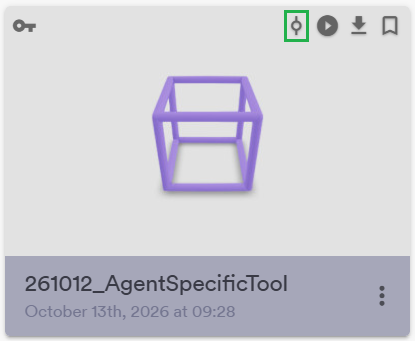
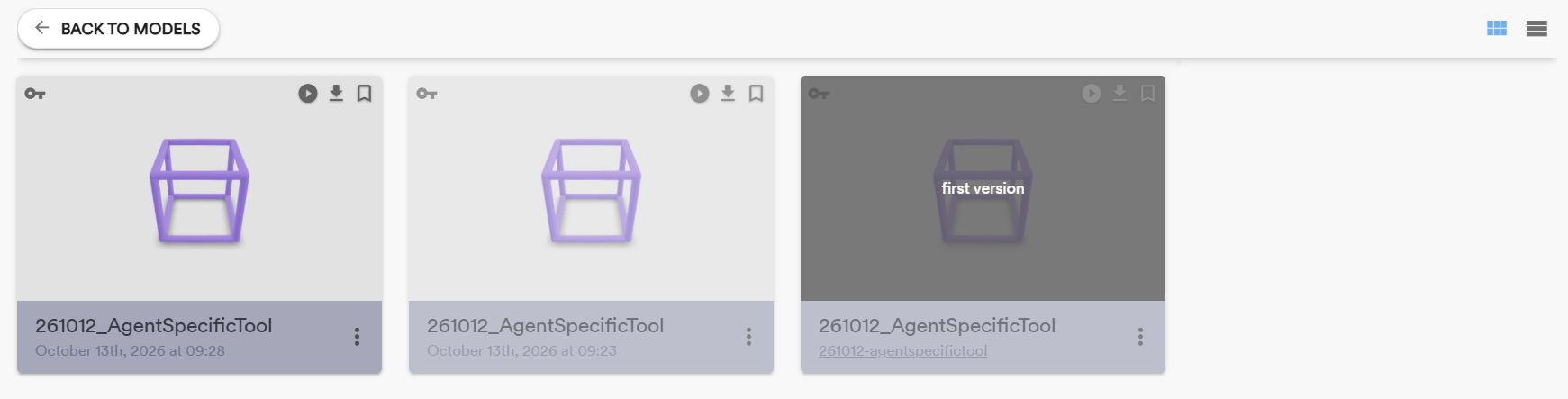
Shown on the card, this action allows you to identify at a glance which models have a version history. You can also click on the action to explore all versions of the corresponding model. Hover on each version to see the associated commit message specified when uploading it:
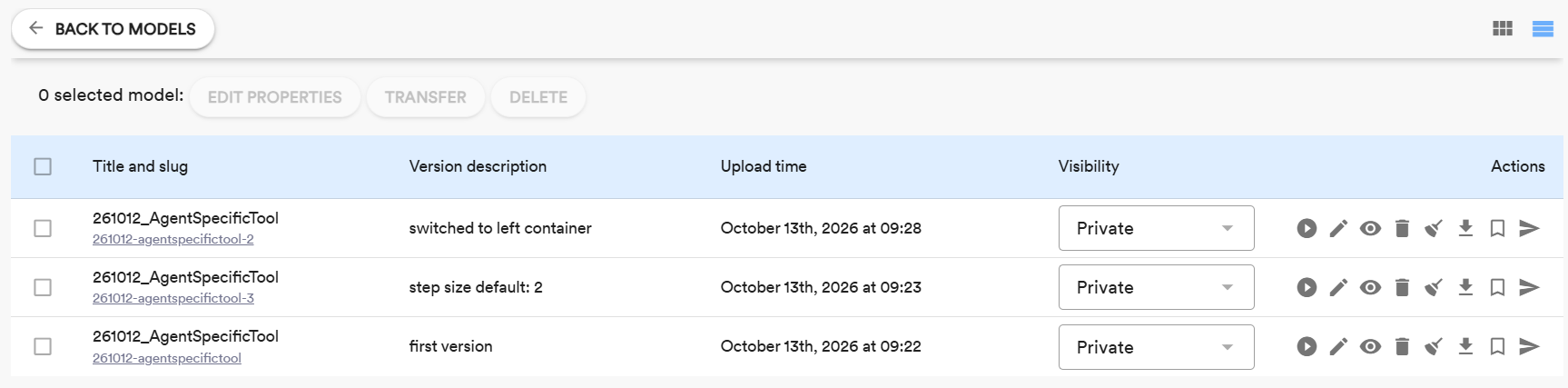
The table view also shows commit versions, upload dates and times and model slugs at a glance:
Shared models
When updating new model versions, sharing properties are copied to the new version. The “Shared with me” section of the library therefore also only shared the latest version of shared models, unless a specific older version is shared when newer versions already exist on the platform.
Bookmarked models
Currently, bookmarked models do not support versioning. A bookmark is tied to a specific version of a model.
A future update of the platform will update the bookmarking logic for better versioning support. Contact us if your use case involves versioning of bookmarked models.
Organizations
For members of organizations, the organization library (“Org models”) follows the same principles. Only the latest version is shown, and model owners as well as organization owners and administrators have access to the version history. Regular other users of the organization do not have access to the version history.