
The Shopify app includes a block for displaying configuration details on order detail pages in Shopify’s store admin panel.
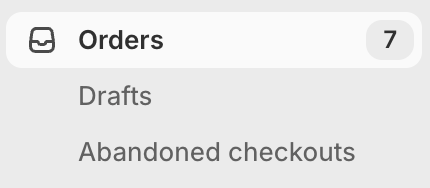
Navigate to an order detail page and enable the block as shown below:

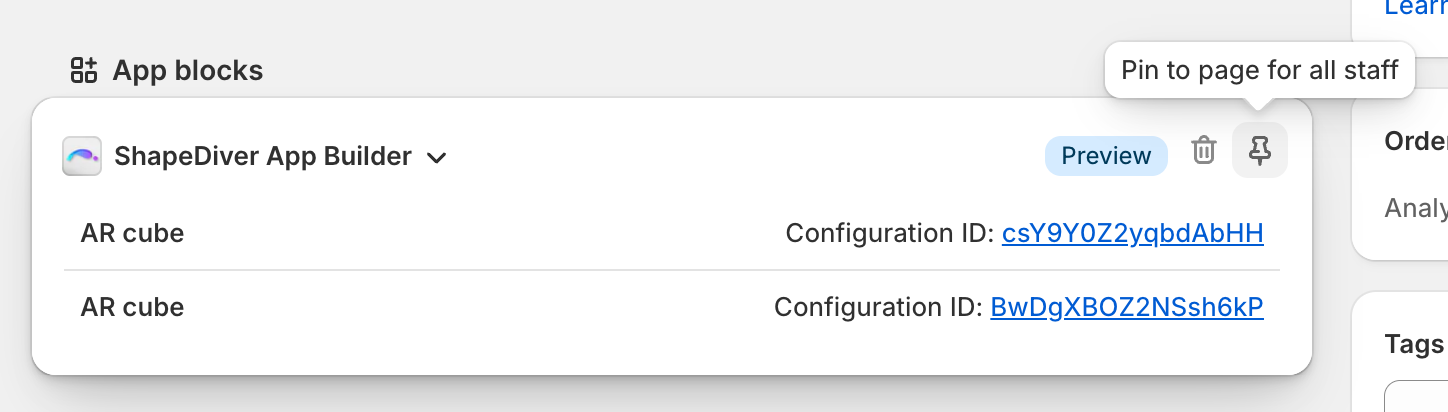
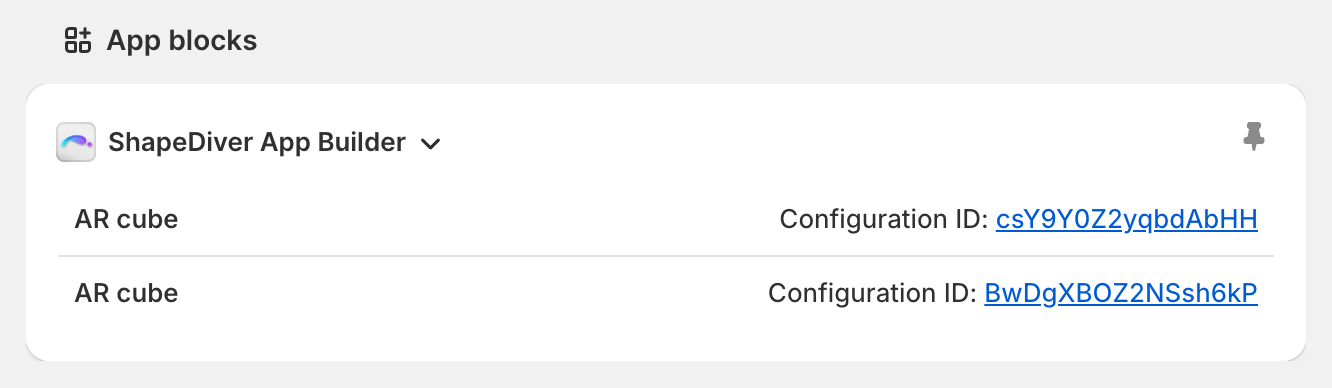
The block includes links to the configurations that are part of the order. These links include the URL parameter called context set to value order. Please see page Embed Apps in external websites for details. To summarize, if your model includes a direct text input whose name is “context”, its value will be set to “order”. As an example, you can use this information to display additional App Builder widgets to your internal users, e.g. for downloading production data.